AI agents
A terminal that works with your agents.
Konsoll recognizes AI coding agents, shows what they are doing in the tab, and brings their questions to you, wherever you are.
- Claude Code
- Codex
- Qwen Code
- opencode
- Gemini CLI
The tab shows the agent's state
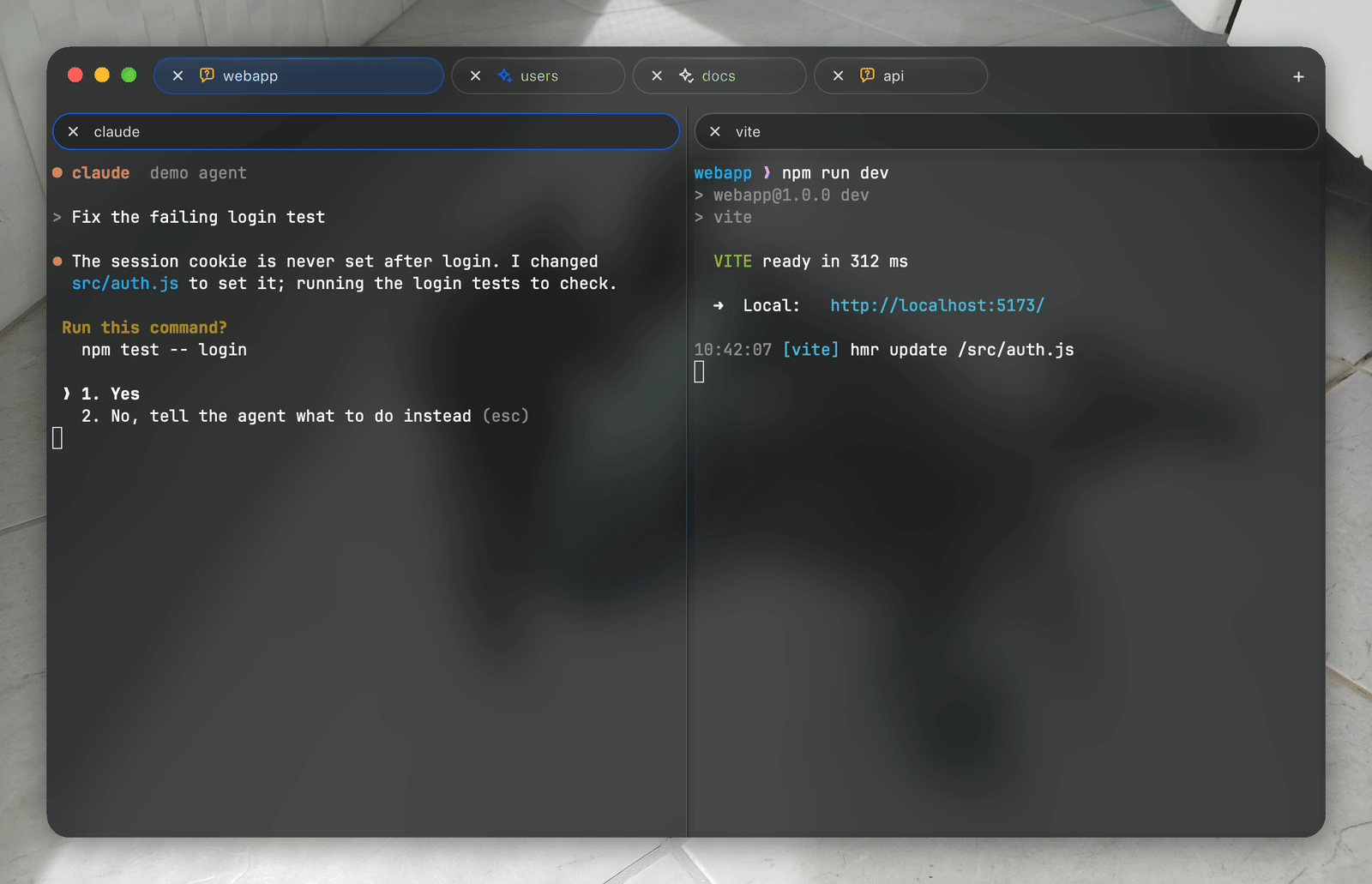
Connect an agent once and it reports its state from its own hooks. With several panes in a tab, the one that most needs you sets the icon.
- Workingon a turn
- Waitingfor permission or an answer
- Donewith the turn
- Failed
Allow or Deny, from the notification
When an agent asks to run a tool, the macOS notification shows what it wants — the command, the file — with Allow and Deny. The answer goes to the agent's pane as if typed there, and Konsoll stays in the background.
Notifications also tell you when an agent waits for an answer, finishes (with the task it was given) or fails while you look elsewhere. The Dock icon counts the agents waiting for you.
Every agent, in one list
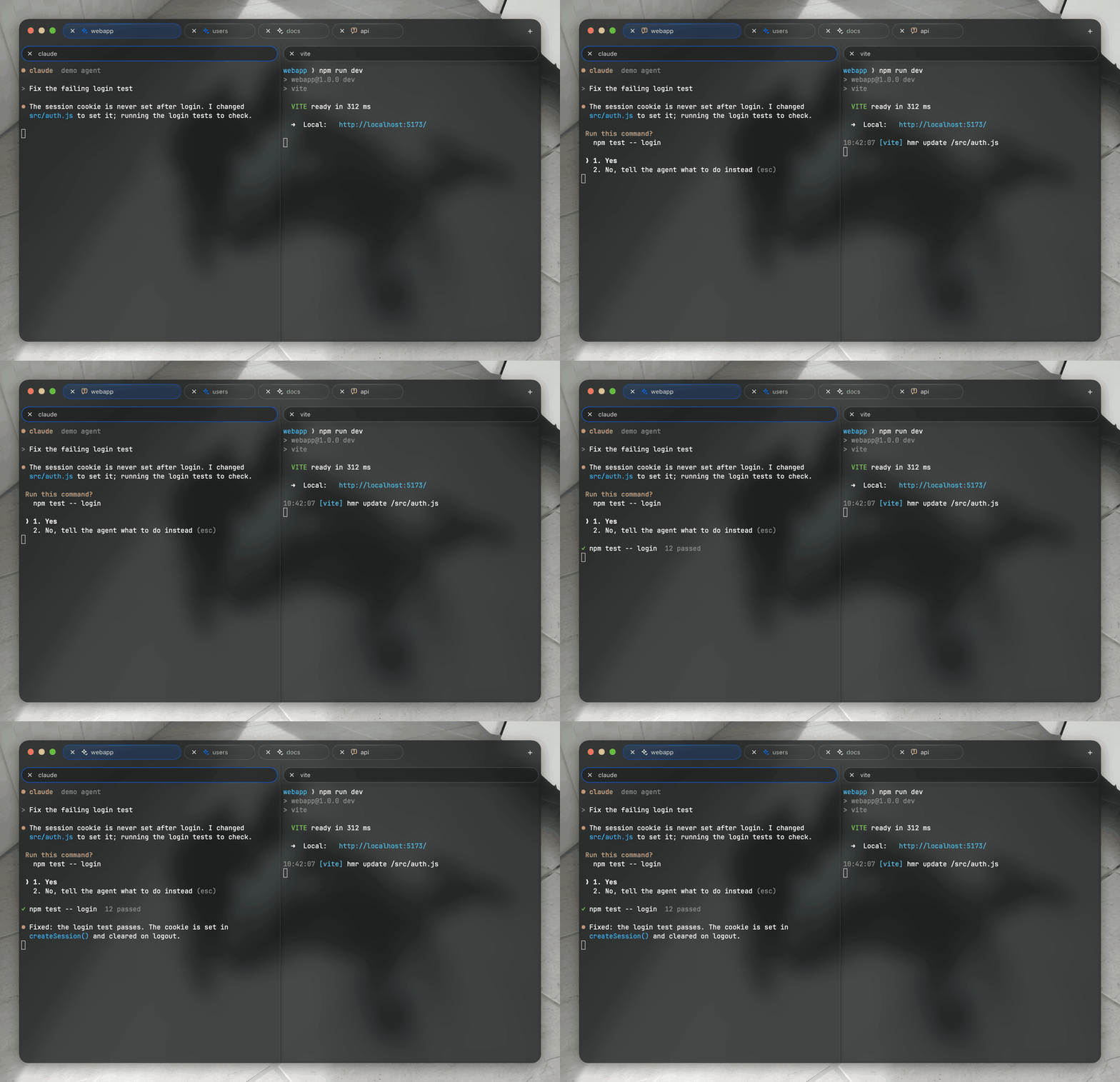
Window ▸ AI Agents (⇧⌘A) lists every pane running an agent in every window, the ones that need you first: what each asks for, the task it works on and how long it has waited, with Allow, Deny and Show.
Your terminal as the agent's context
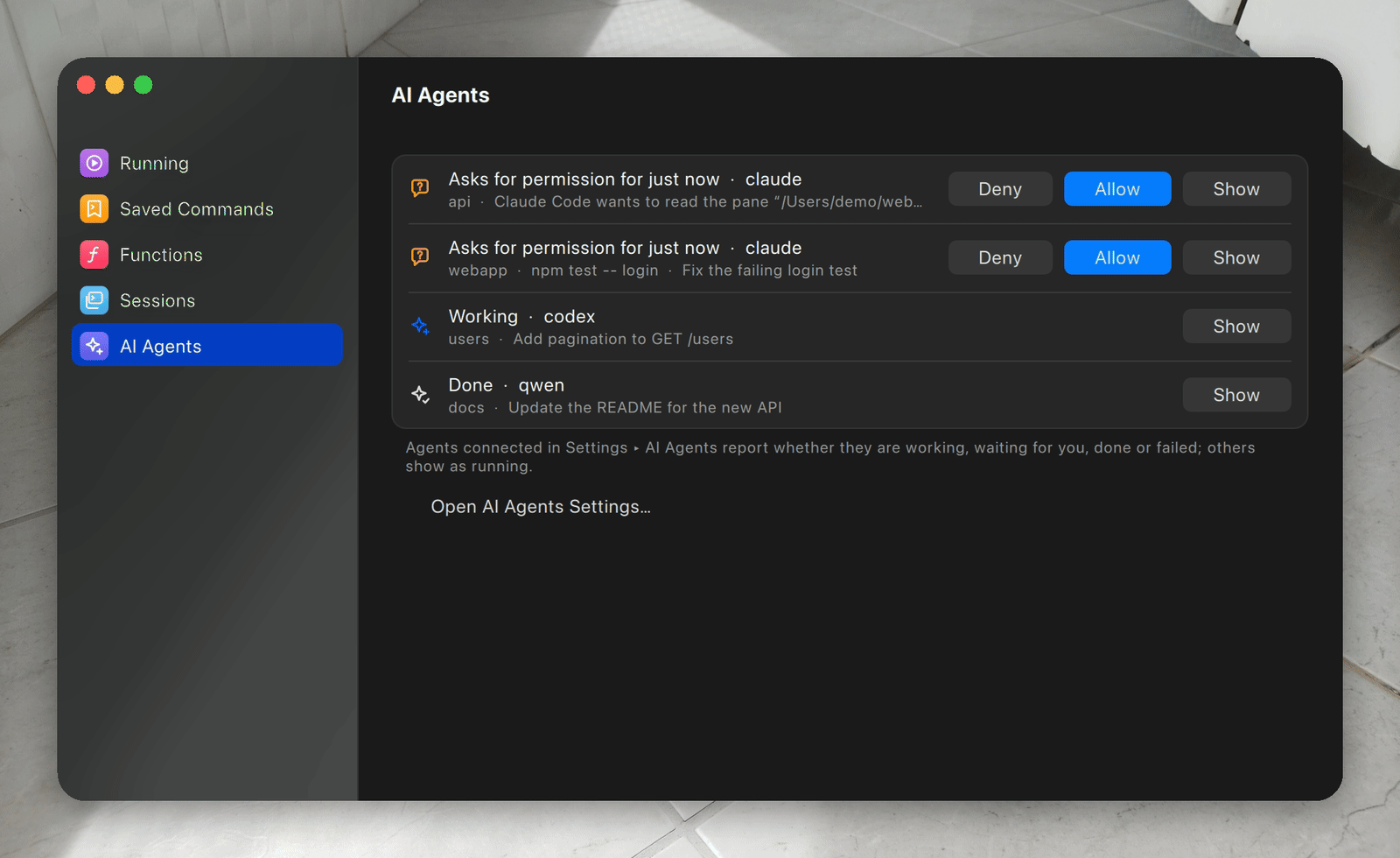
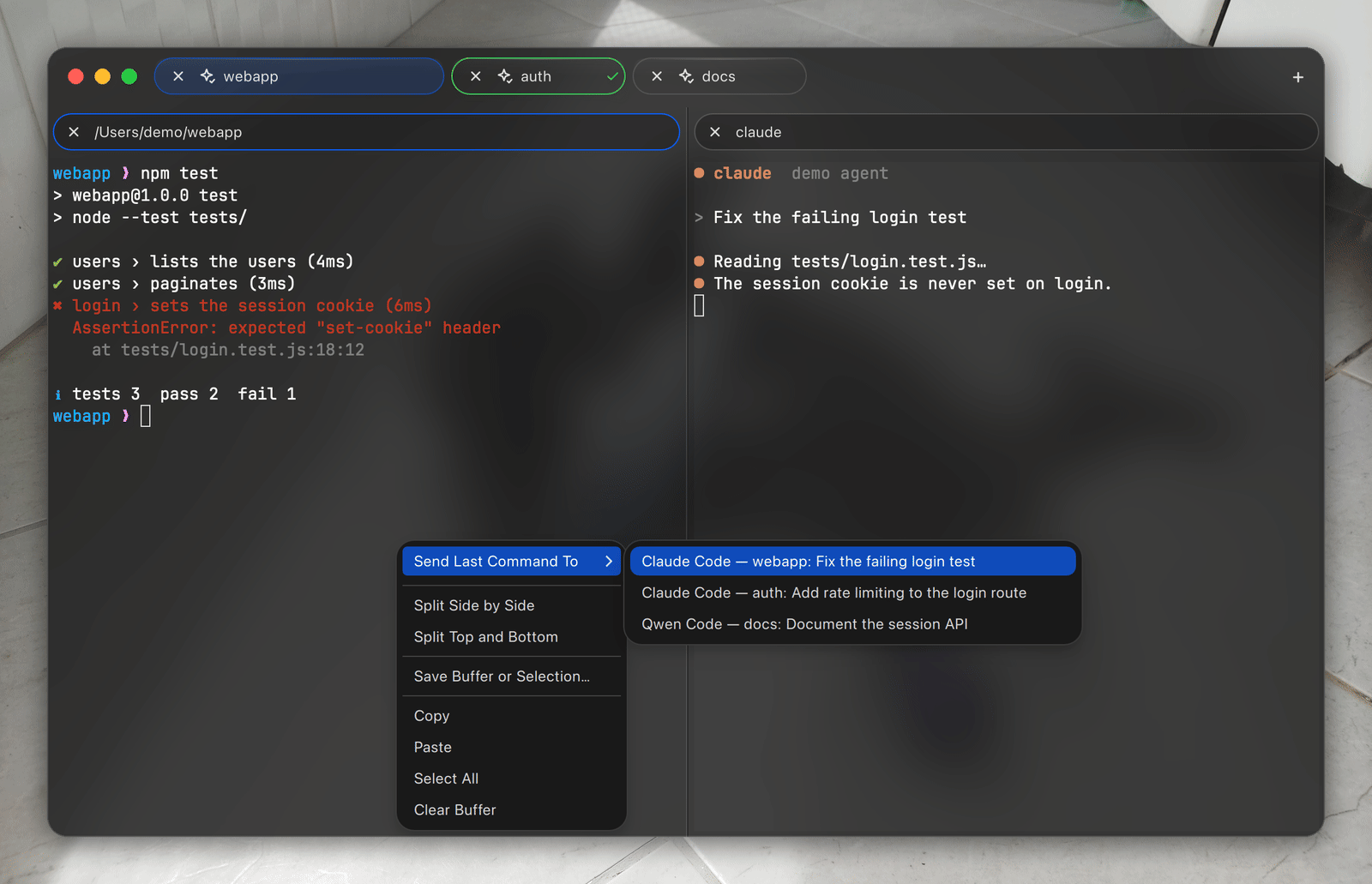
Right-click a pane: Send Selection to Agent and Send Last Command to Agent paste the text, or a command with its exit status and output, into the agent's prompt, ready for your question.
Shell ▸ New Agent in Worktree… creates a git worktree on a branch and starts an agent there in a new tab, so agents work in parallel apart from your checkout.
Over ssh, with nothing to install
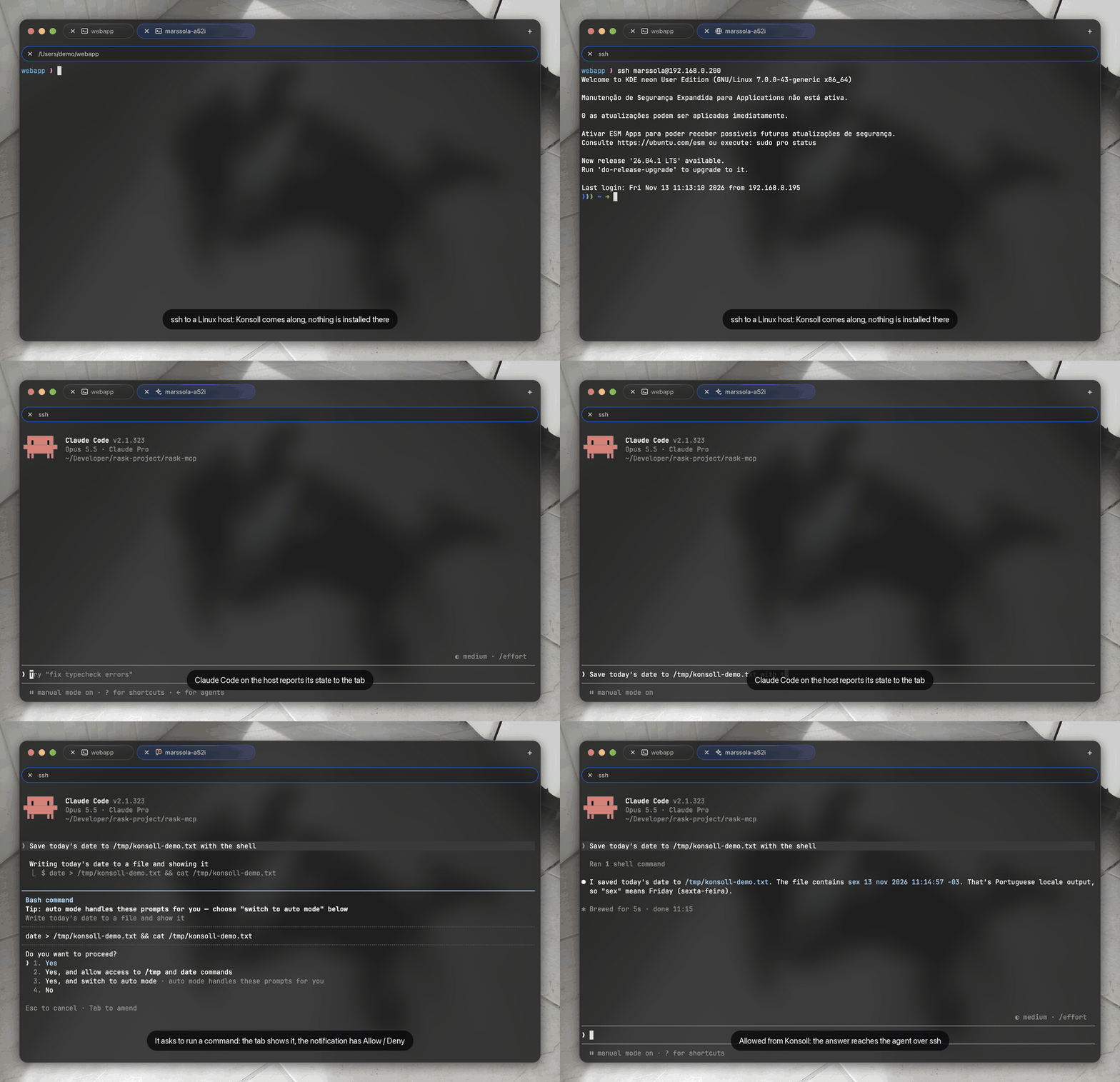
ssh host in a zsh or bash tab brings Konsoll's shell integration to the host for that session. Claude Code, Codex and Qwen Code started there show their state in the tab and ask through Konsoll's notifications. Everything lives in a private temporary folder removed when the shell exits.
Tools for agents (MCP)
konsoll --mcp gives an agent running in Konsoll tools that act from its own pane.
| Tool | What it does |
|---|---|
open_pane | Opens a pane beside the agent's running a dev server or watcher, without taking the focus. |
run_in_background | Starts a Background Command. |
background_job_status | The state and last output of a background command that agent started. |
recent_commands | Your last commands in the agent's pane with their status and output: “why did my build fail?” works without pasting. |
list_panes | The panes of the window: tab, program, directory — no output. |
read_pane | Reads another pane only after you choose Allow Once. |
Connect an agent
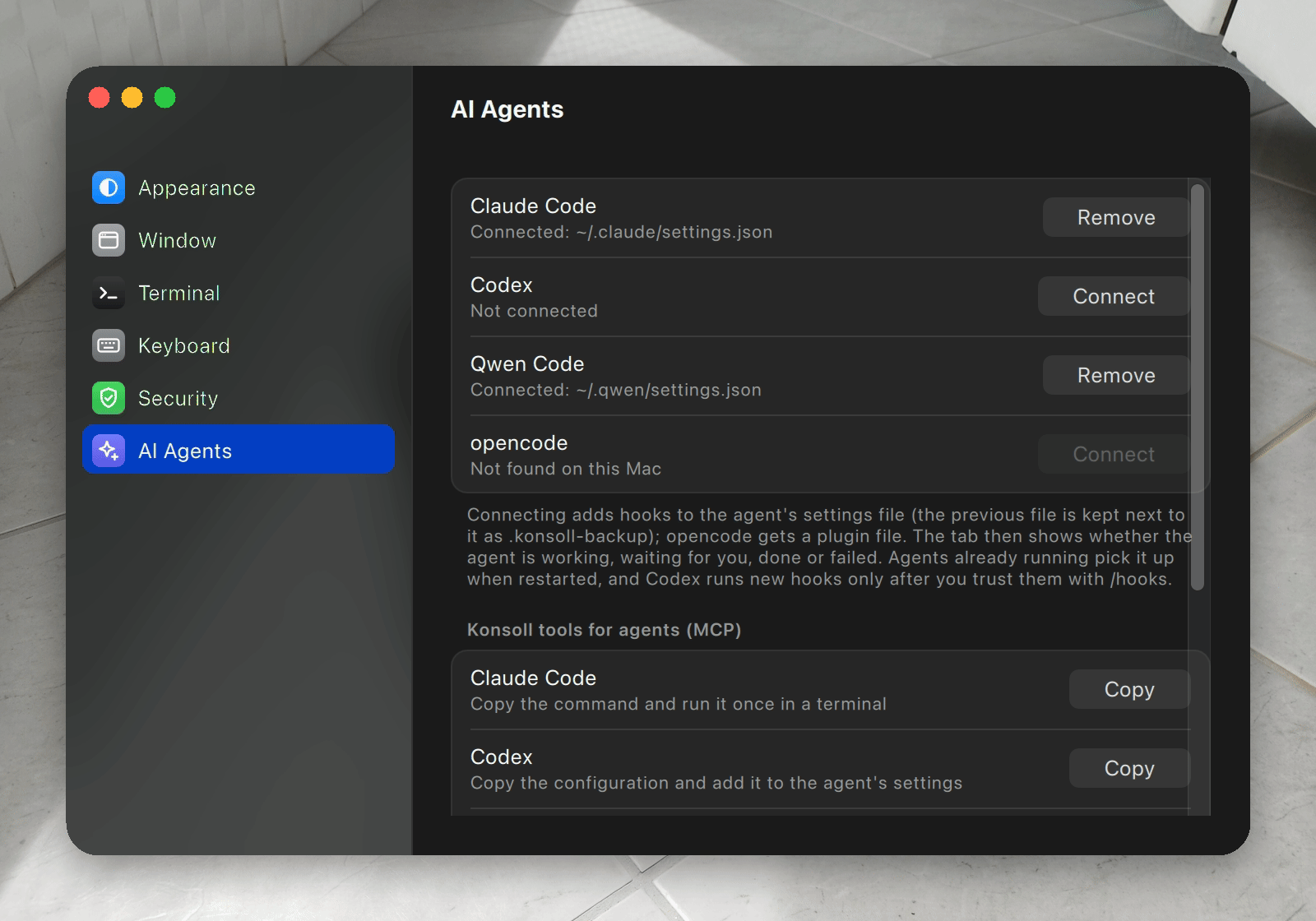
Start an agent in a pane and Konsoll offers to connect it. Or open Settings ▸ AI Agents: Connect adds Konsoll's hooks to the agent's settings (keeping a backup), Remove takes them out, and Copy gives the MCP setup for each agent. The hooks do nothing outside Konsoll.
Claude Code can use the Konsoll plugin instead:
claude plugin marketplace add rask-project/Konsoll
claude plugin install konsoll@konsoll